Hourglass for IT and data teams
One customer record your systems can trust
Data Hub
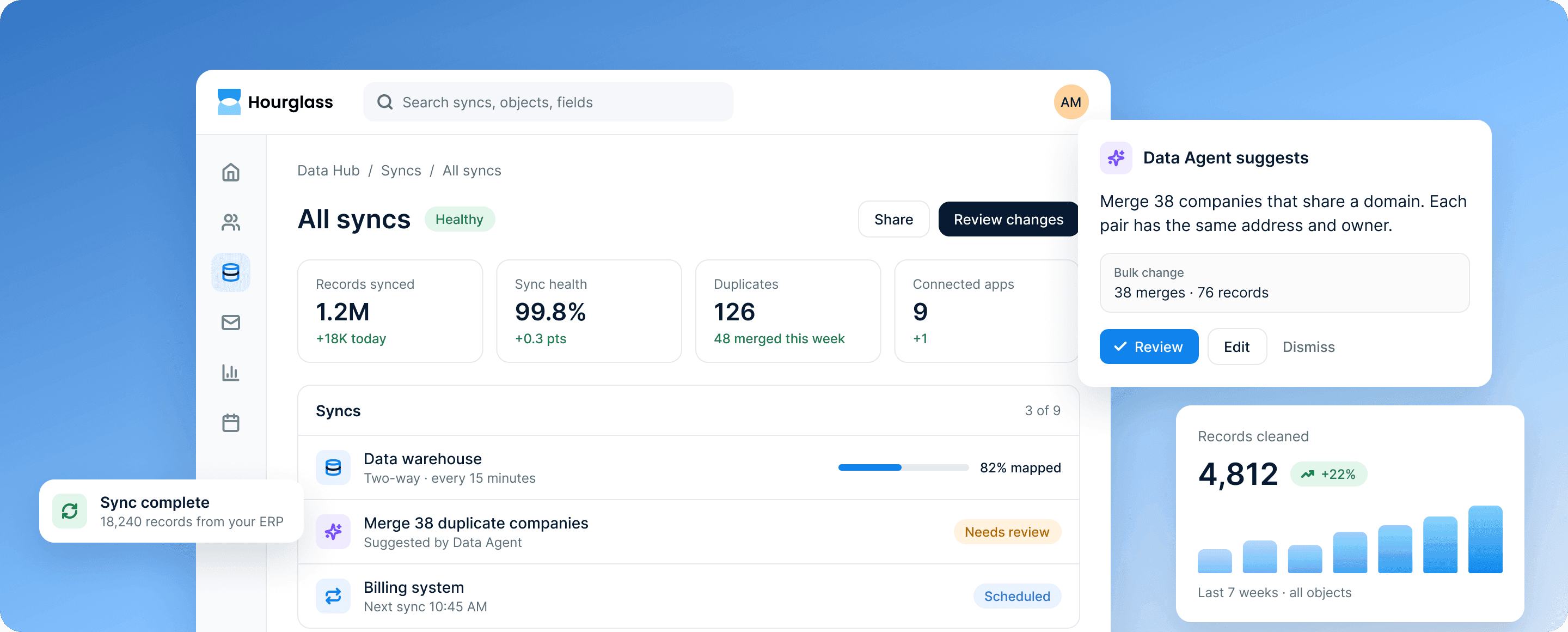
Your data, connected and under control
Sync the systems you already run into one customer record, and decide exactly who can see and change it.
Bring every source into one record
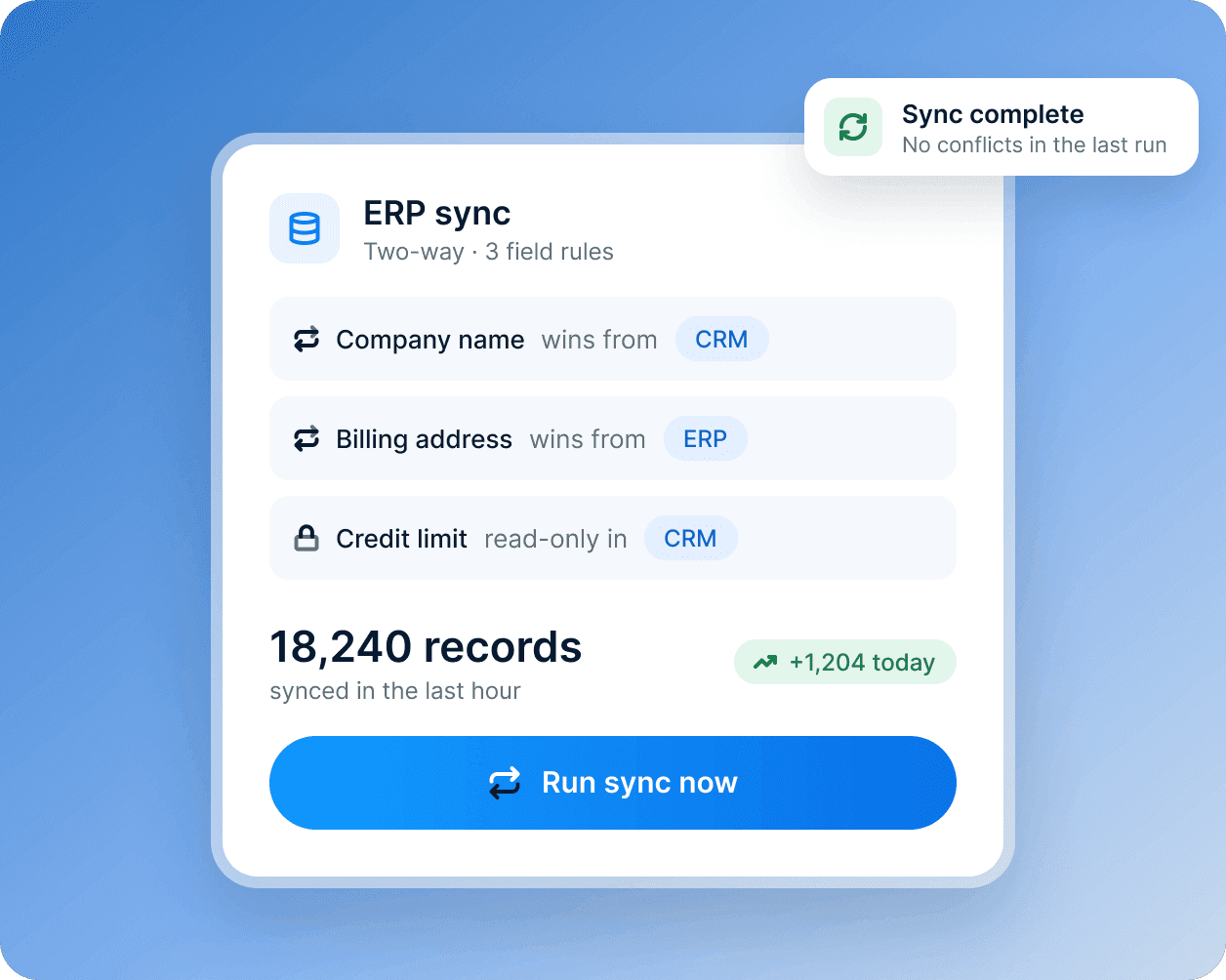
Two-way syncs connect your warehouse, ERP, billing and support tools. Custom objects model the things your business tracks, and duplicate checks keep records clean.
- Two-way syncs with the systems you run
- Custom objects for what your business tracks
- Duplicate checks that keep records clean
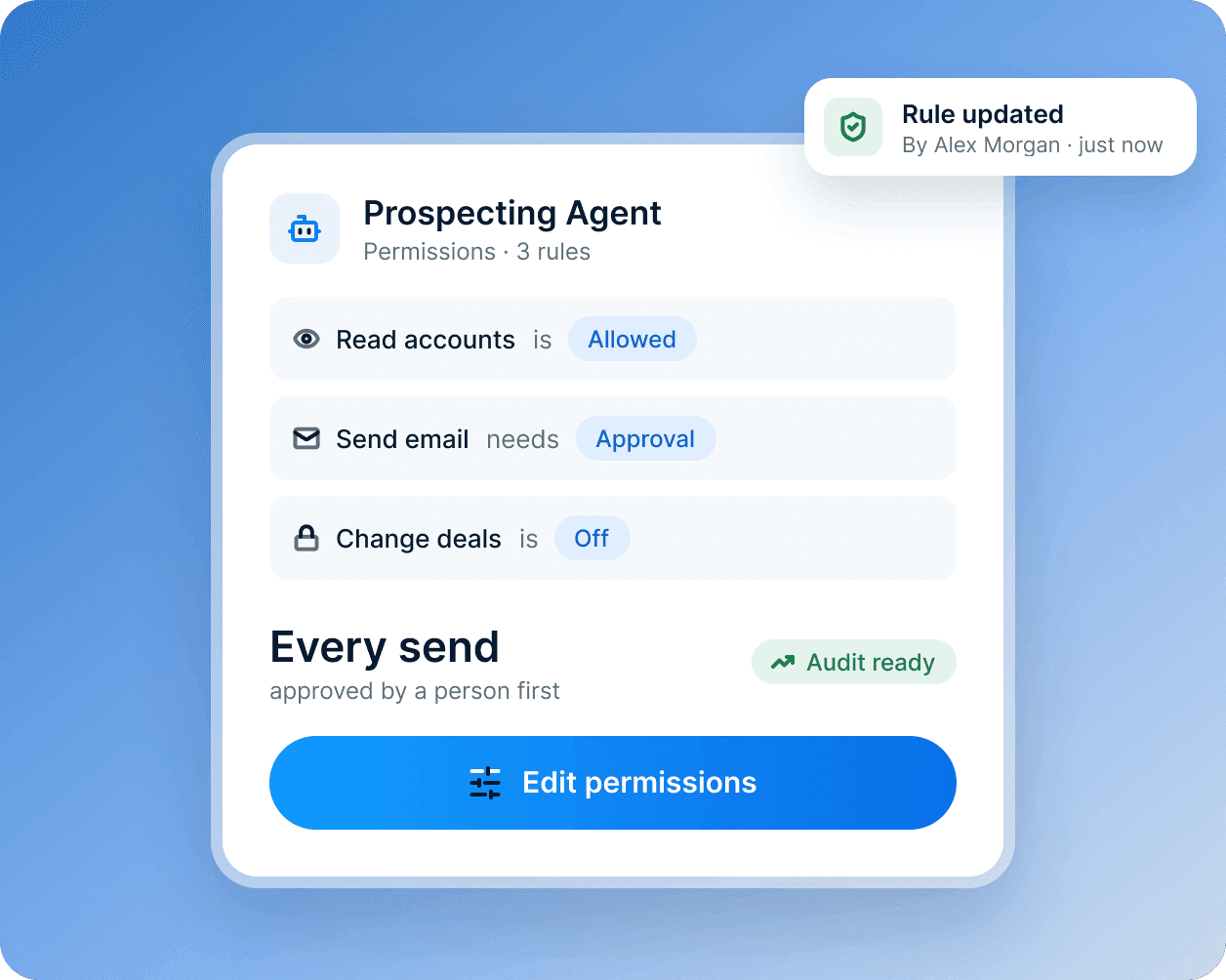
Control who sees and changes what
Permissions follow roles and teams down to the field. Every change is logged with who made it, a person or an agent.
- Permissions by role, team and field
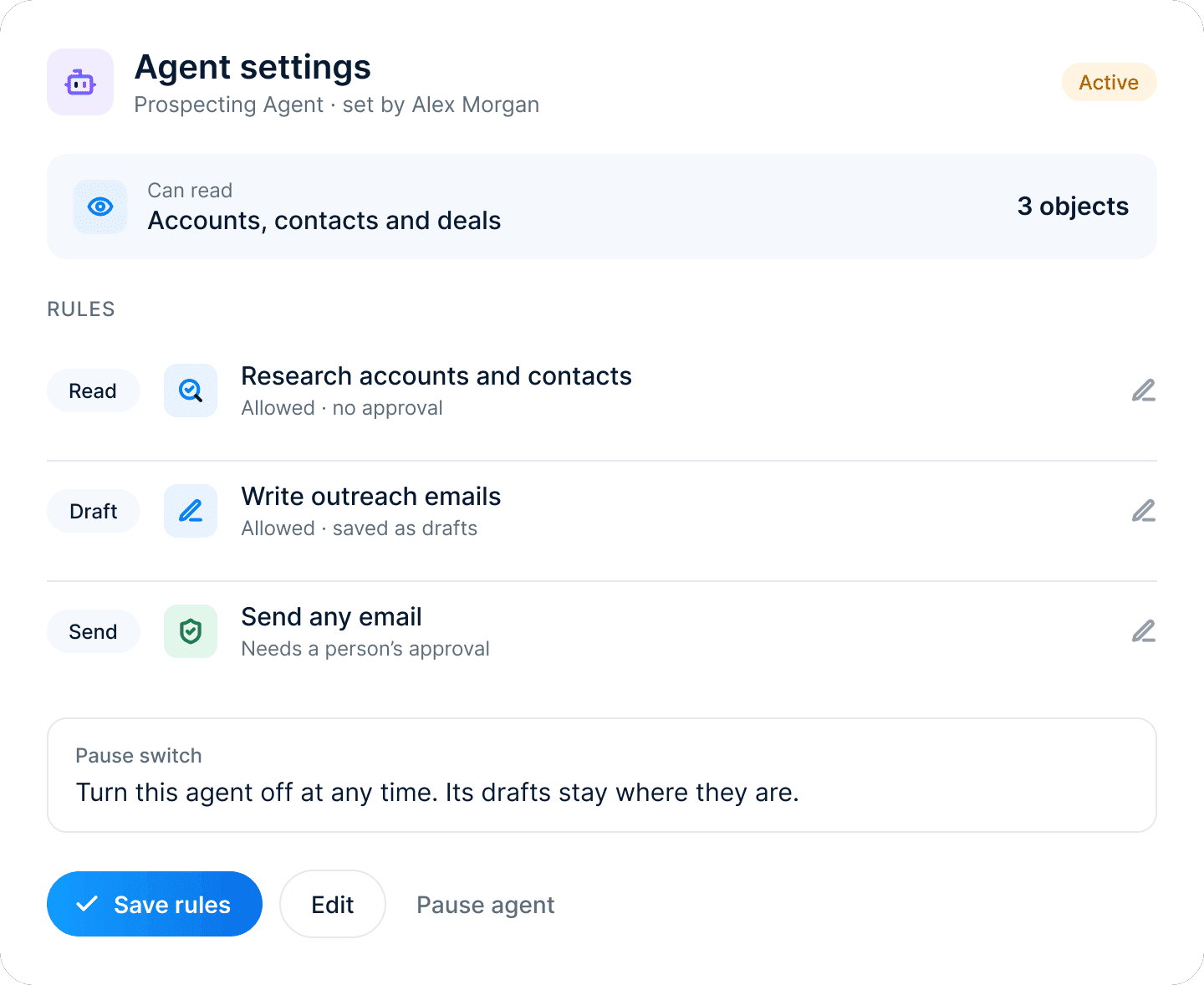
- Approval steps for what agents can do
- A log of every change, by a person or an agent
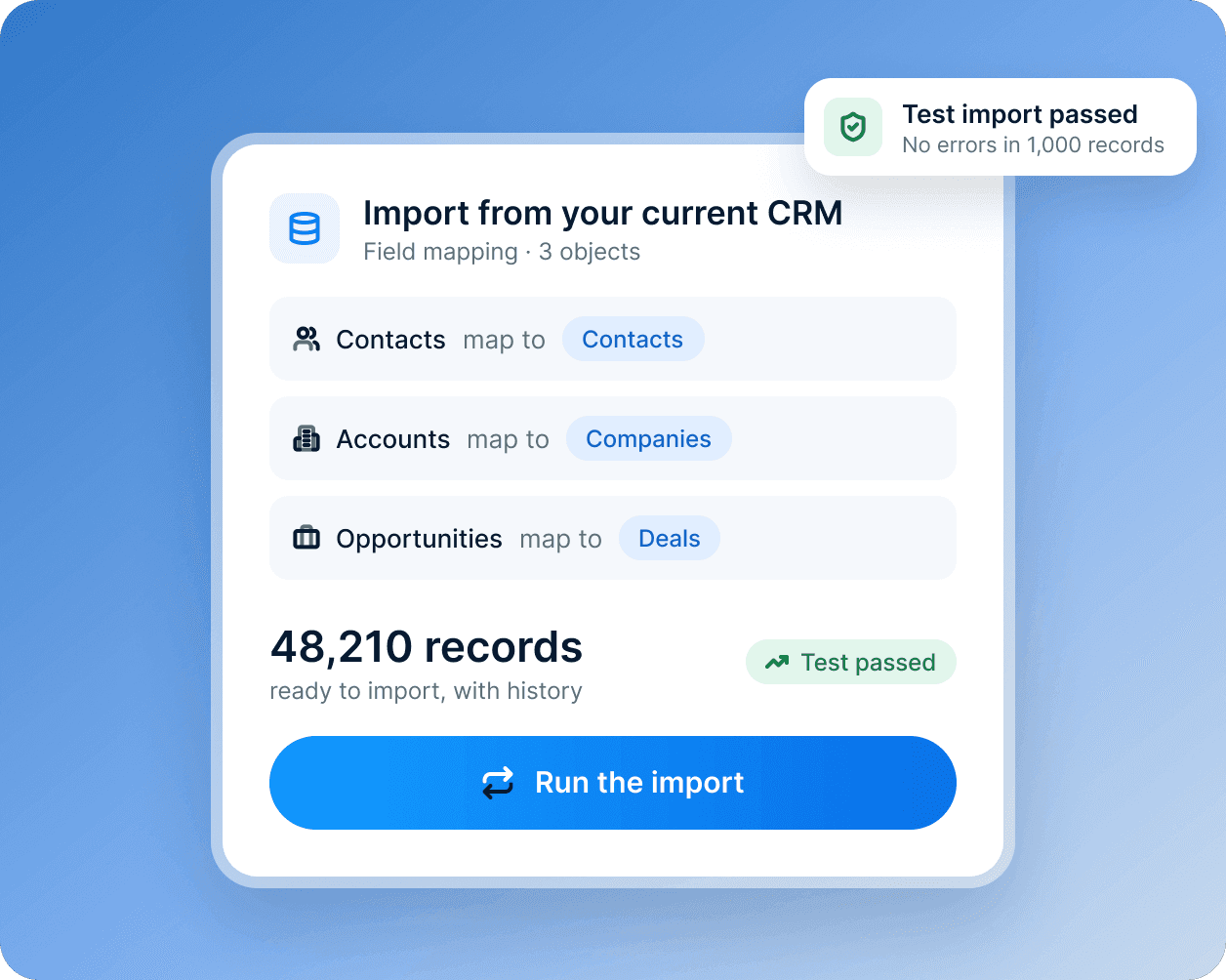
Move from your current CRM
Import contacts, companies, deals and their history from spreadsheets and other CRMs, run a test import, then move one team at a time.
- Records with their history
- A test import before anything goes live
- A rollout planned with our onboarding team
What’s included
The tools in Data Hub
Data syncs
Two-way syncs with the systems you already run.
Custom objects
Model products, sites, policies or anything else you track.
Data quality
Find and merge duplicates, and fix formatting in bulk.
Field-level permissions
Decide who can see and change each field, by role and team.
Data Agent
Explains which accounts are ready to buy, at risk or ready to grow, and why.
Change history
Every change logged with who made it, a person or an agent.
 How every agent works
Set what it can read
Pick the objects and fields each agent may use, team by team.
Choose what needs approval
Sends, changes and anything sensitive wait for a person to approve them.
Review every action
The activity log shows what each agent did and the data it used, with a pause switch.