Switching to Hourglass
Move your CRM in weeks, keeping every record and its history
 The migration playbook
Plan the move
Map objects, fields and owners with our team. Decide which teams go first.
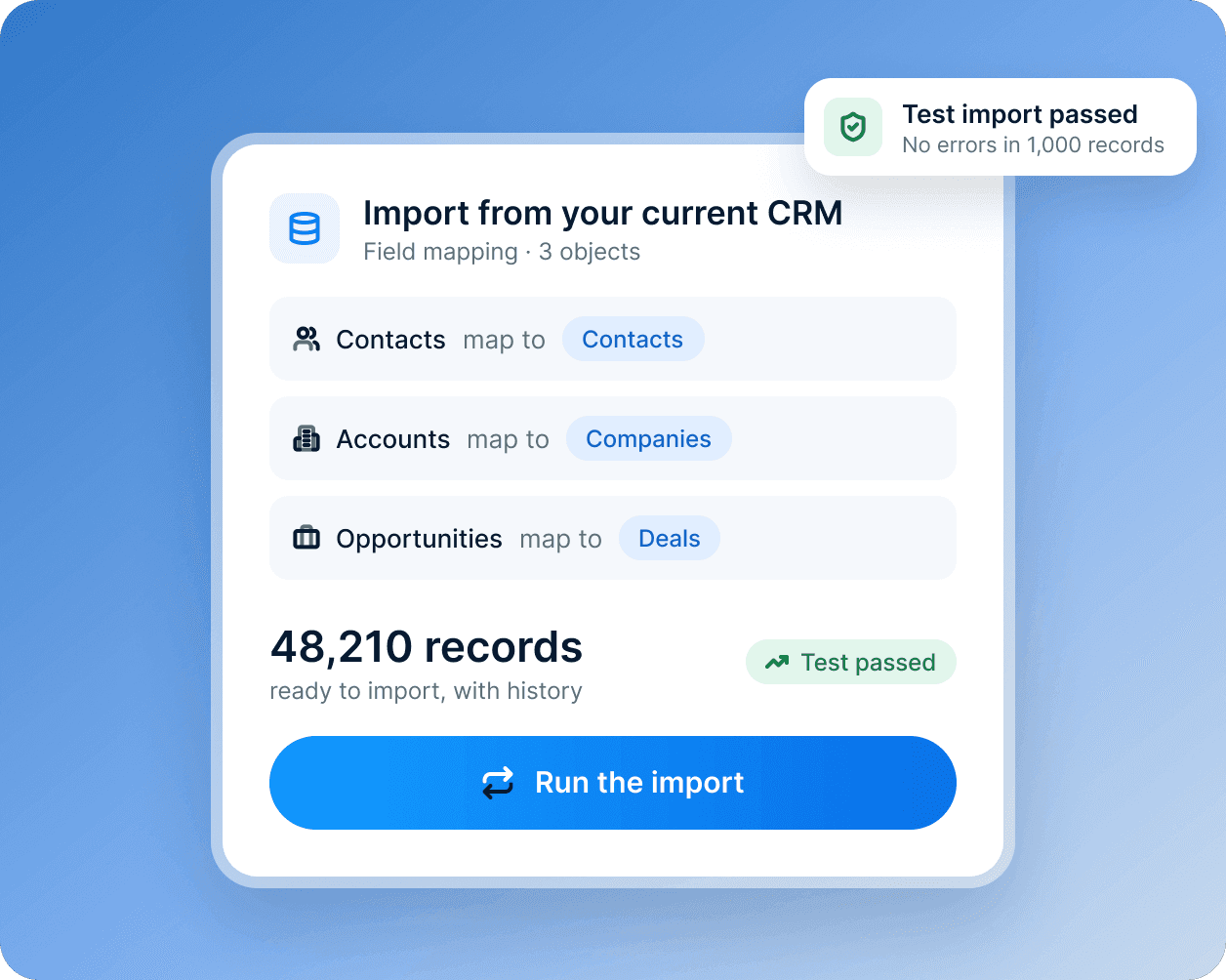
Run a test import
Import into a sandbox and check the results. Fix mappings before anything goes live.
Go live team by team
Start with one hub and one team. Old and new run side by side for a while.
Retire the old tools
Move integrations and reports across. Switch off what you no longer need.
What changes
What a calm switch looks like

What your data team notices
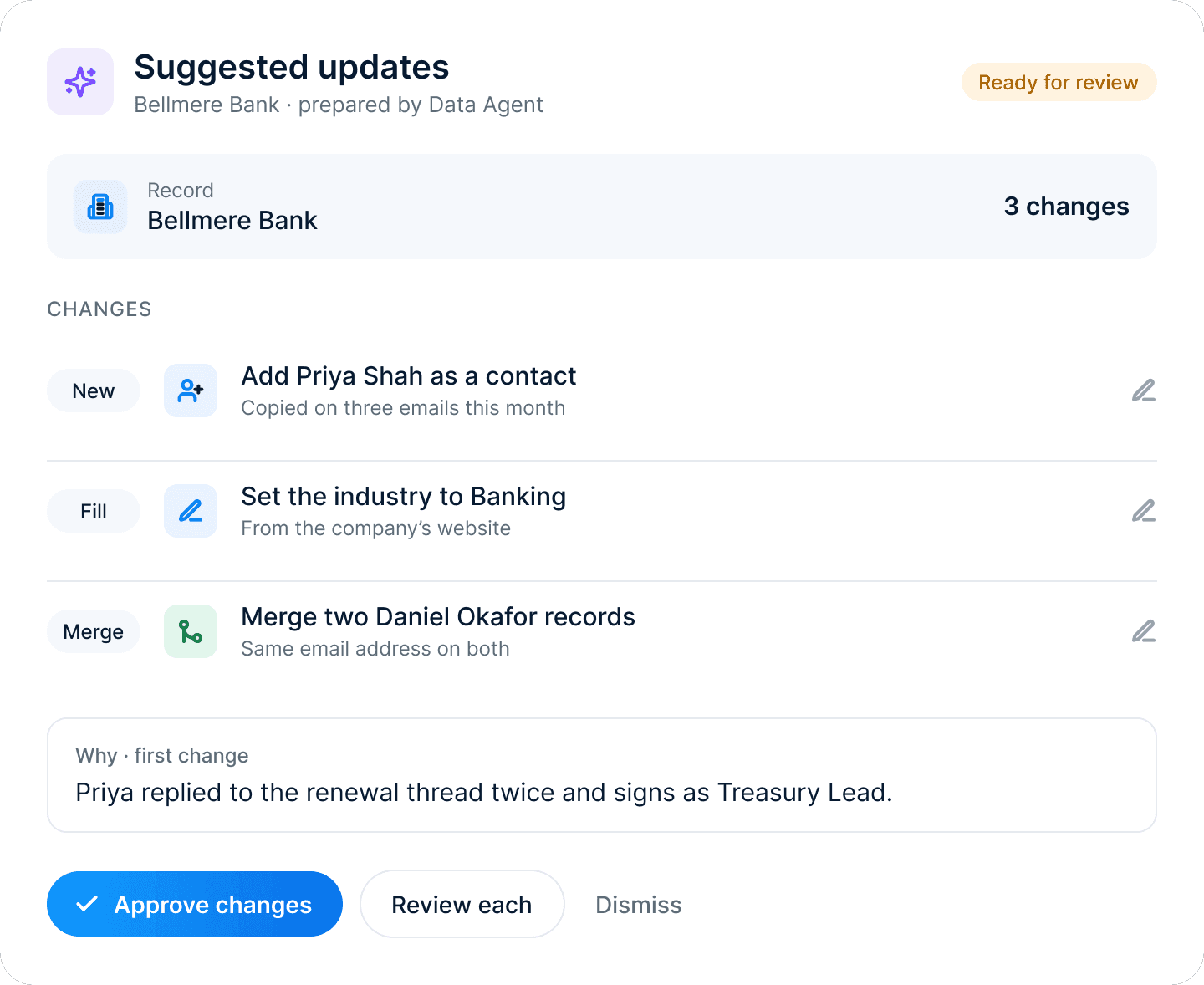
The hardest part of a migration is the fear of losing history. Hourglass imports records with their timelines, so a rep’s first day in the new CRM looks familiar.
Teams move when they’re ready, and the onboarding team checks every step with you.
Avoiding the usual risks
Why software projects stall, and how a planned move avoids it
Moving everything at once
Go live one team at a time, starting with the tools that cause the most handoffs.
Losing records and their history
Contacts, deals and tickets come over with their timelines, so no one starts from a blank record.
Skipping the test run
Import into a sandbox first, and fix the mappings before anything goes live.
Teams that never switch over
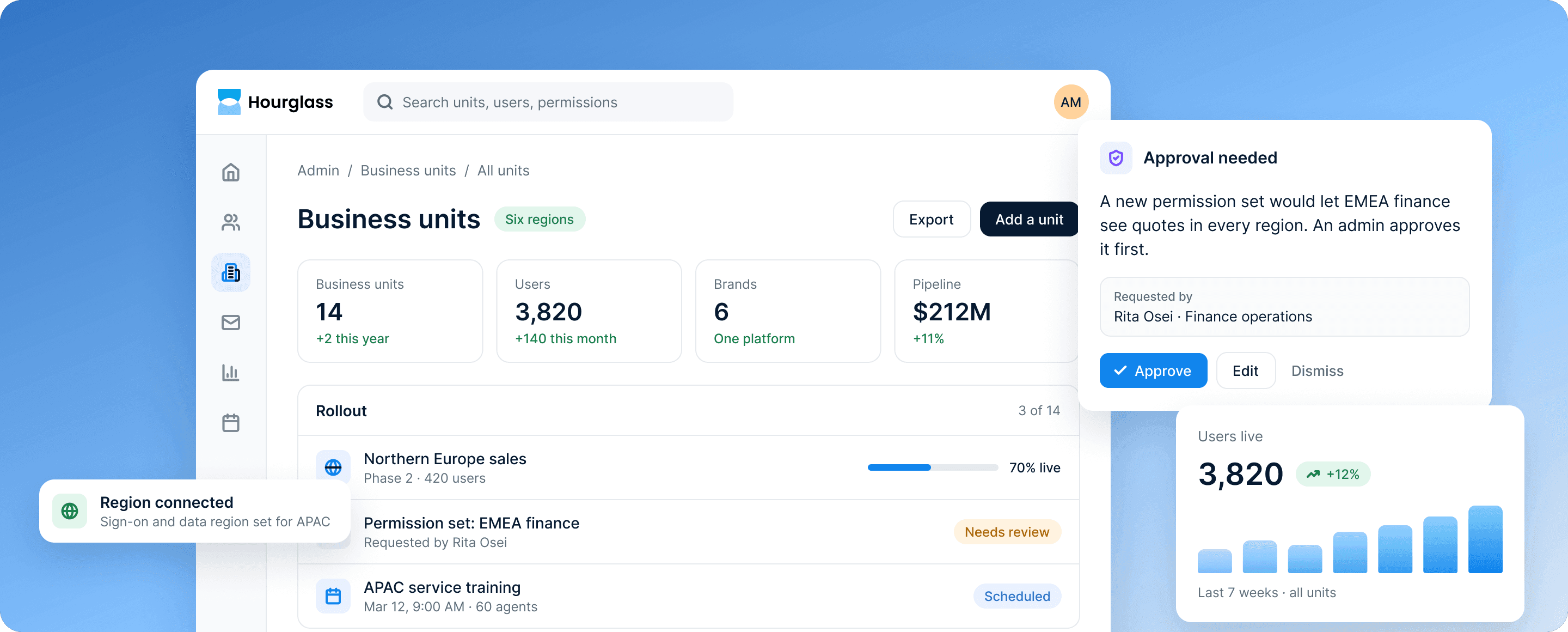
Training for each team as it moves, and one record that every team works from.
Systems left disconnected
Two-way syncs keep your ERP, billing and support tools in step, with rules for which one wins.
No one owning the plan
A rollout plan made with our onboarding team, and checked with you at every step.
TRUSTED BY TEAMS IN BANKING, RETAIL, MANUFACTURING AND SOFTWARE
Illustrative customers for this demo.












Customer stories
Teams that made the switch
They moved off separate tools and legacy systems one team at a time, and kept their history.
Illustrative stories for this demo.

“We were paying for seven tools that didn’t talk to each other. Moving marketing, sales and support onto Hourglass gave every team the same numbers.”
Hannah Cho
Chief Revenue Officer, Eventus
7
tools replaced by Hourglass
5 weeks
to move every team over

“Quotes, orders and dealer conversations used to live in three systems and a lot of inboxes. Now our sales team and our dealers work from the same account record, and quotes go out the same day.”
Grace Haddad
VP of Dealer Sales, Suzuki
34%
faster quote turnaround
3
legacy systems retired

“Our branch and contact center teams used to switch between four systems to answer one question. Now the Customer Agent drafts the reply from the customer’s record, and our staff approve it before it goes out.”
Priya Raman
VP of Customer Experience, Mercantile Bank
38%
faster replies to customer questions
2x
more customers enrolled in online banking