Original page

Agent Hub

Agents that do the busywork, while your people make the calls

Set up the Customer, Prospecting, Data and Campaign Agents in one place. Decide what each one can read and do, which actions need approval, and review everything they did.

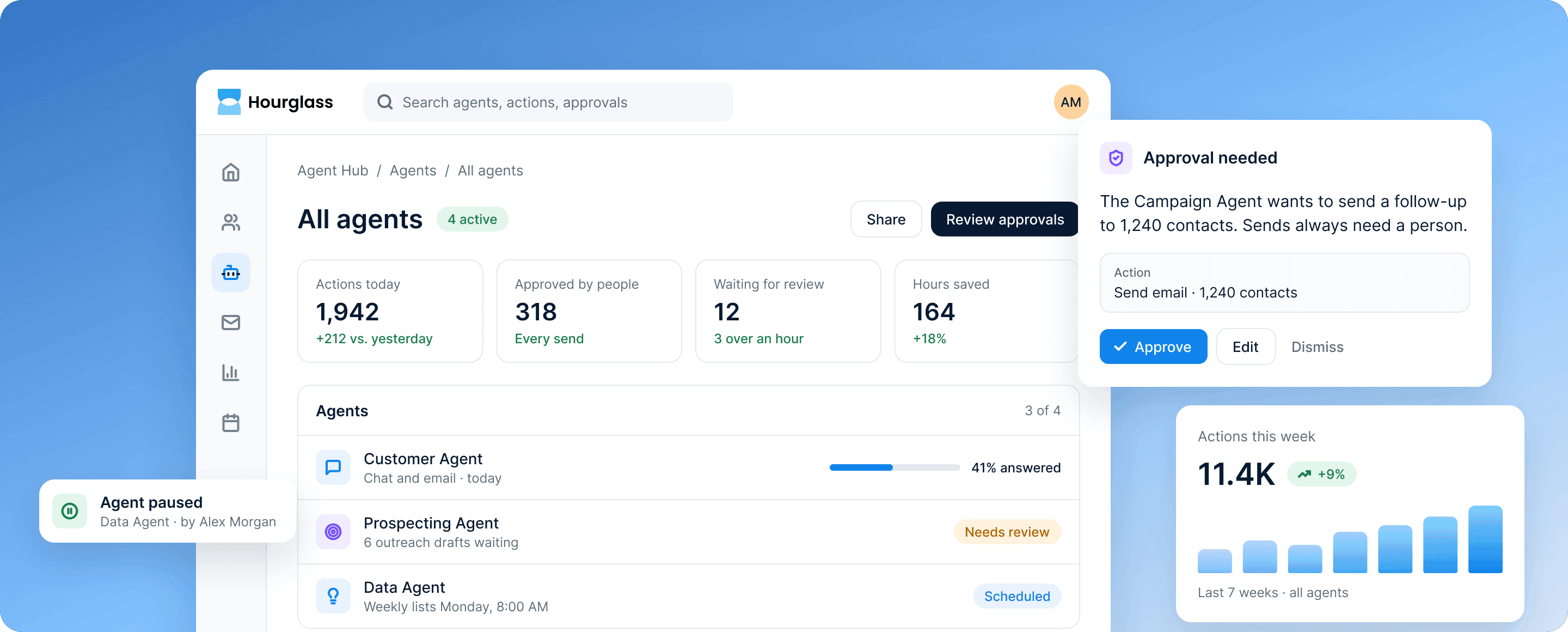
Agent Hub's agents: 1,942 actions today and 12 waiting for review, beside an approval request for a Campaign Agent send.

What’s included

Everything you need to run agents responsibly

Agent Hub is where you set up, permission and review every agent in Hourglass.

  • Customer Agent

    Answers customer questions from help content and CRM records.

  • Prospecting Agent

    Finds accounts showing intent, researches them and drafts outreach.

  • Data Agent

    Explains which accounts are ready to buy, at risk or ready to grow.

  • Campaign Agent

    Plans a campaign from a goal, an audience and past results.

  • Permissions and approvals

    Choose what each agent can read and do, and which actions need sign-off.

  • Activity log

    Every action recorded with the data it used, and a pause switch for each agent.

How it works

Agents that work inside the rules you set

Every agent reads only what you allow, and anything that reaches a customer waits for a person.

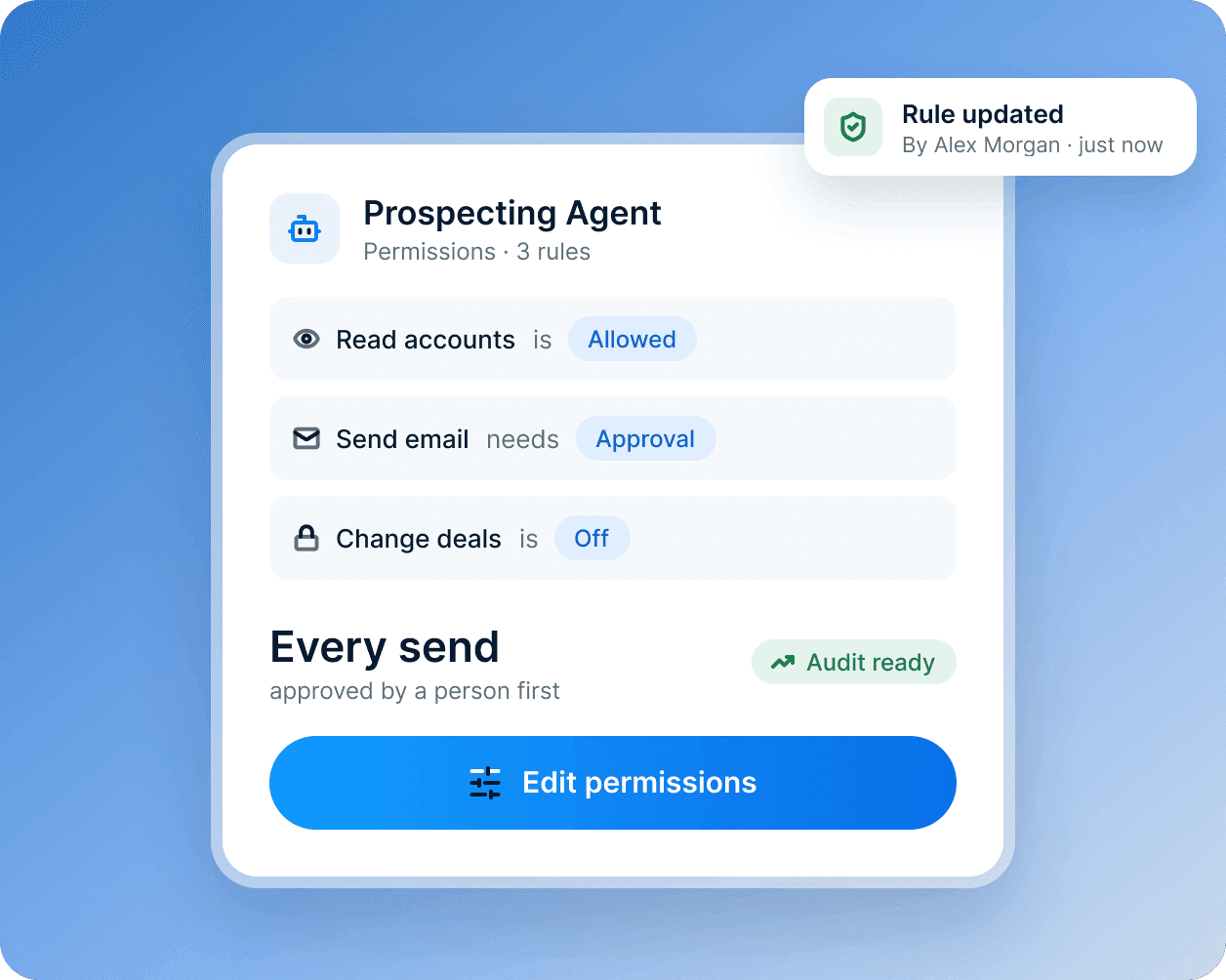
A permissions card for the Prospecting Agent: it can read accounts, needs approval to send email and can't change deals.

Decide what each agent can do

Choose the records each agent can read, the actions it can take alone and the ones that need a person’s approval.

  • Read, draft and send rules for each agent
  • A person approves every send
  • Rules apply as soon as you save them
Learn more about security and control
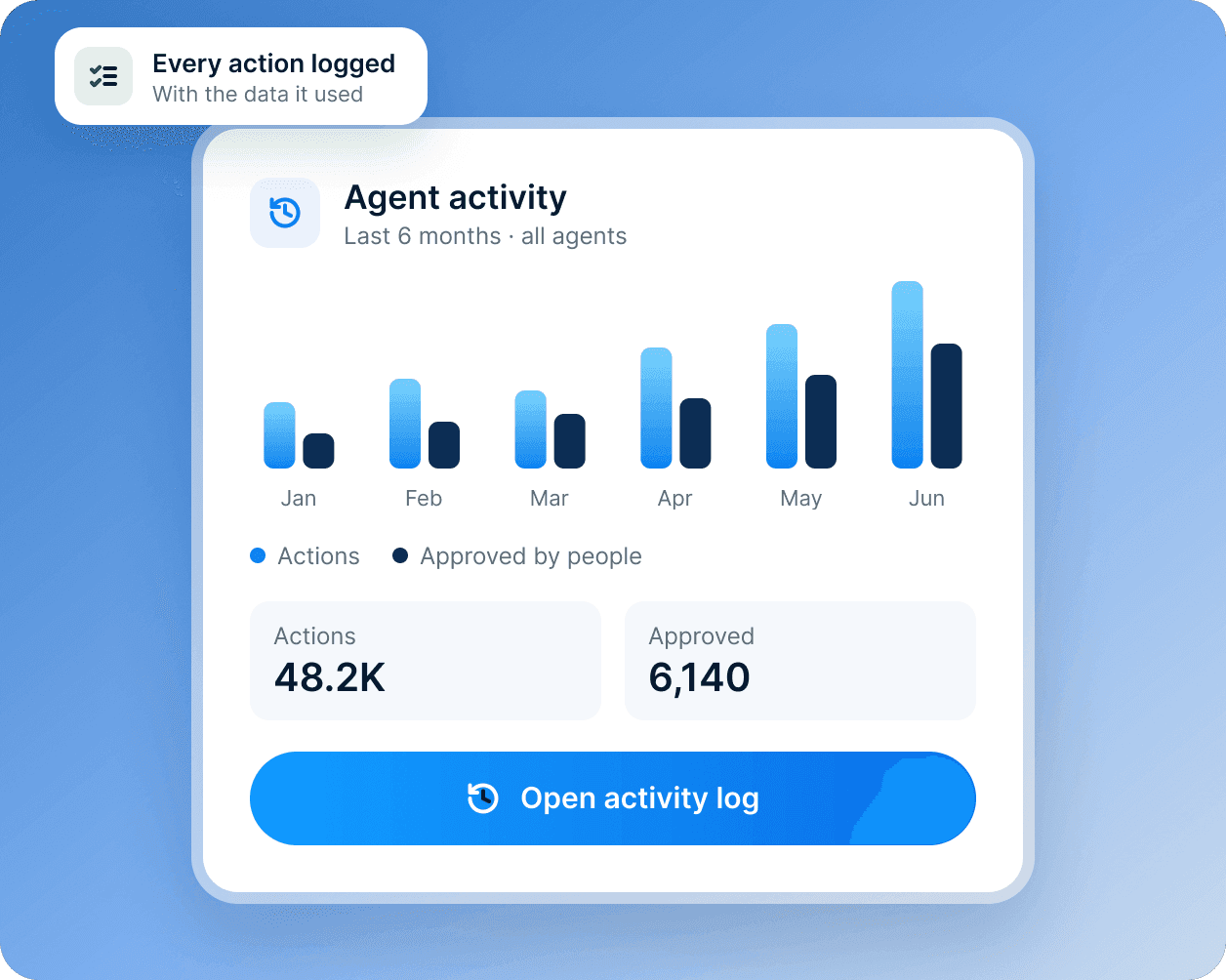
An agent activity card: six months of actions and approvals, with an Open activity log button.

See everything they did

The activity log records every action, the data it used and who approved it, with a pause switch for each agent.

  • Every action logged with its data
  • Who approved what, and when
  • A pause switch for each agent

How every agent works

Agents that ask. People who decide.

Every Hourglass agent works inside the permissions you set. You choose what it can read, what it can do alone and what needs a person.

  1. Set what it can read

    Pick the objects and fields each agent may use, team by team.

  2. Choose what needs approval

    Sends, changes and anything sensitive wait for a person to approve them.

  3. Review every action

    The activity log shows what each agent did and the data it used, with a pause switch.

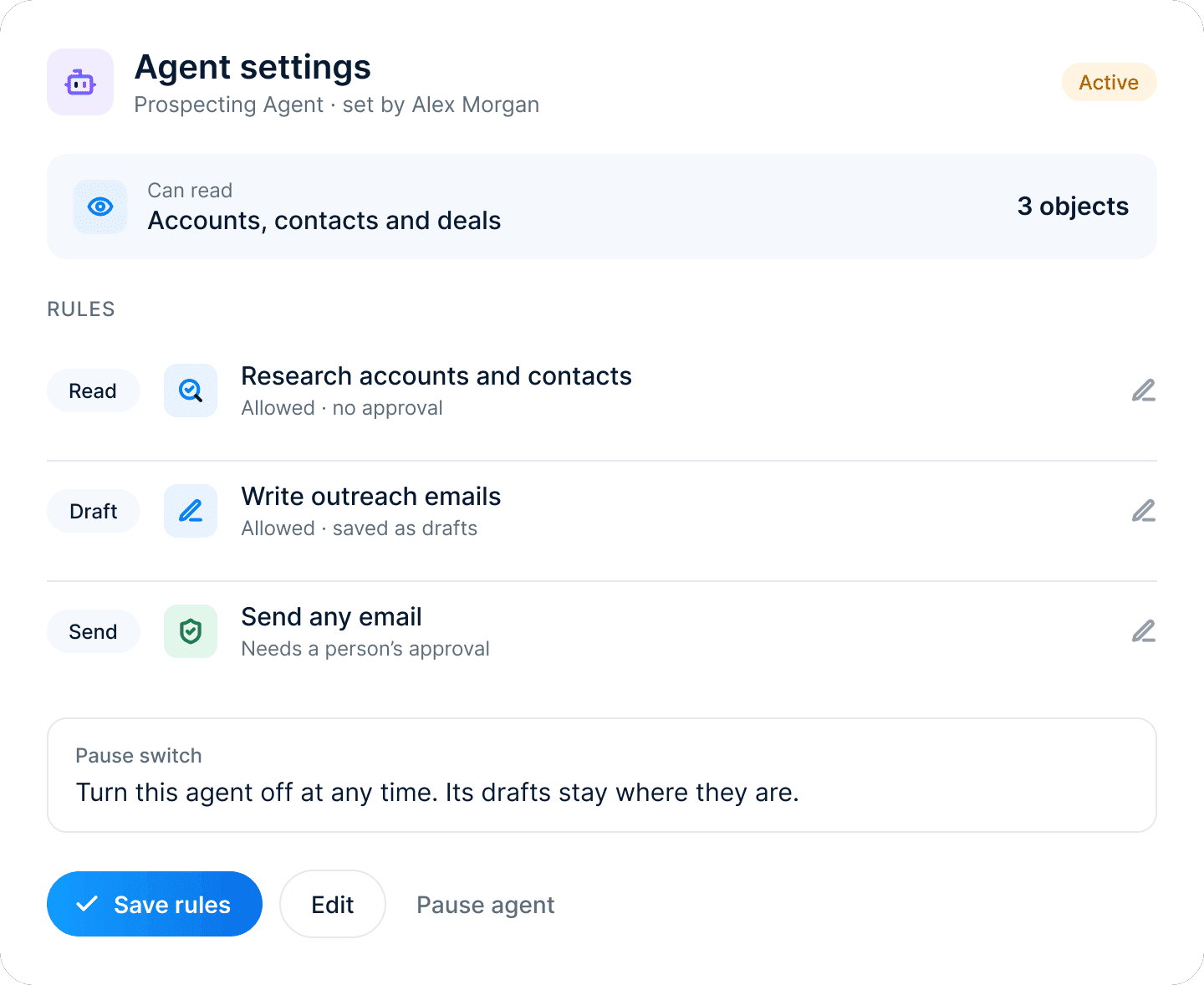
Agent settings for the Prospecting Agent: research allowed, drafts allowed and every send waiting for a person's approval, with a Pause agent button.

Customer stories

Reach accounts while they’re still in the product

How a hardware and software platform lets the Data Agent flag the trials that are ready to talk.

Illustrative story for this demo.

See customer stories

“Product usage sits right next to every trial in the CRM. The Data Agent flags the accounts that are ready to talk, and our reps reach them while they are still in the product.”

Noor Siddiqui

VP of Growth, Arduino

  • 29%

    more trials converted to paid

  • 2x

    faster lead routing

Learn more about customer stories

Tell us what you’re working on, and we’ll show you how Hourglass fits