A page built for your question
What’s included
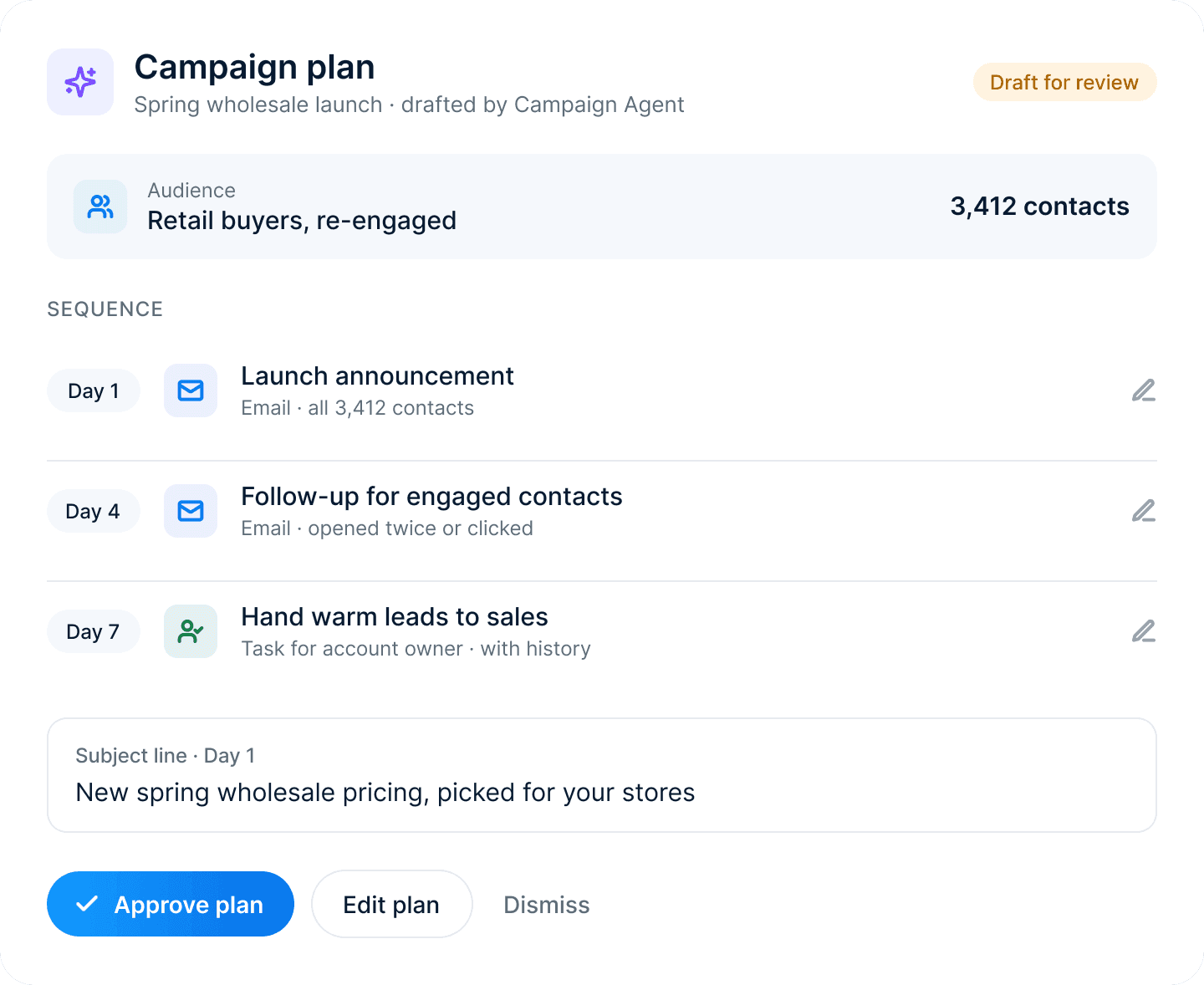
What the Campaign Agent can do
Campaign plans
A goal, audience, channels and timeline, drafted in one pass.
Audience segments
Segments built from what customers actually do.
Email and page drafts
First drafts in your brand’s voice.
Approval steps
Routes each piece to the right reviewer before it goes live.
Results summaries
Explains what worked after every send.
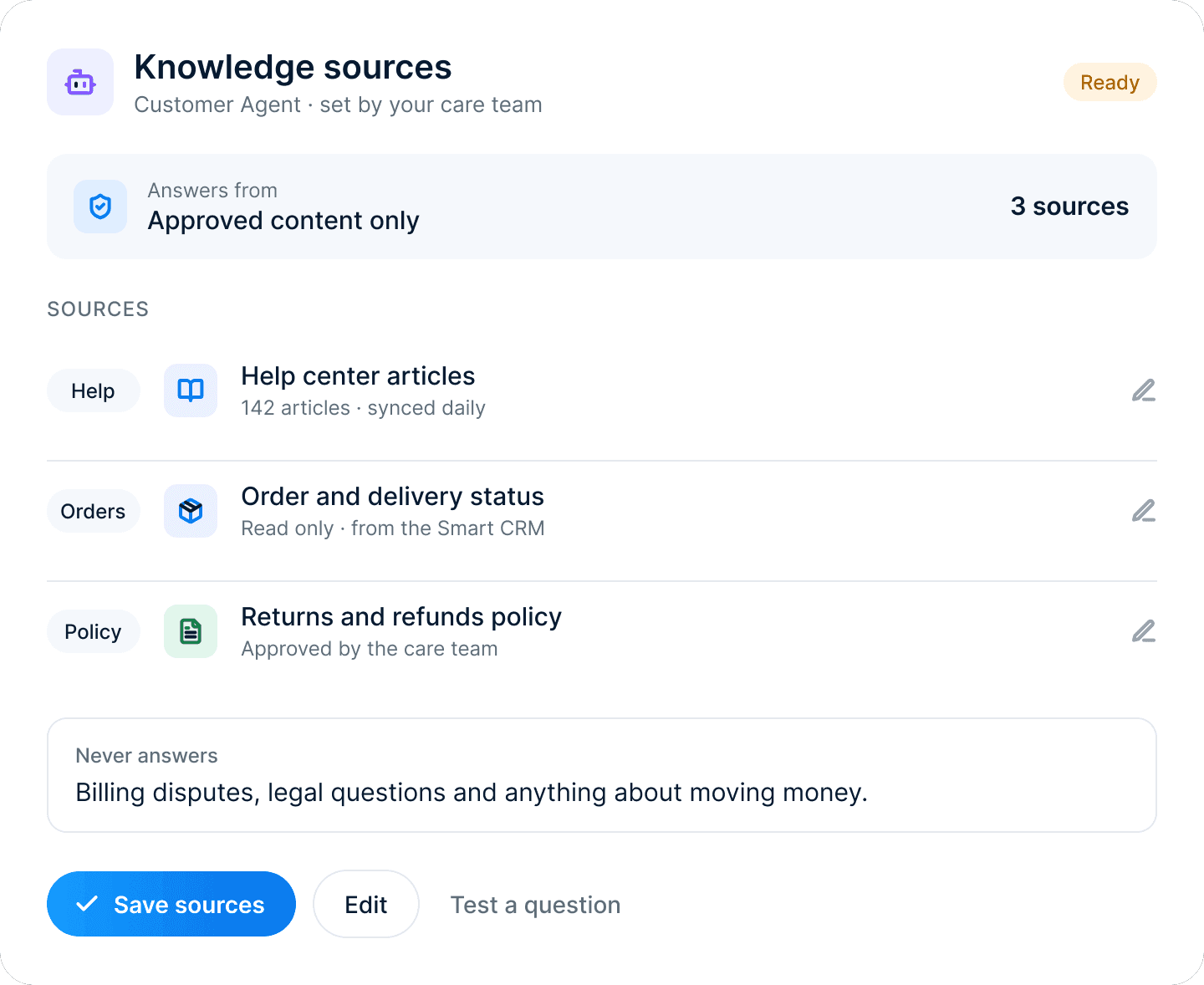
Brand guardrails
Uses your approved words, images and tone.
 Campaign Agent
Researches the audience
Reads engagement, deal stages and service history to find who is ready to hear from you.
Drafts the plan
Proposes the segment, timing and first-draft copy for every send in the campaign.
Waits for your review
Your team edits, approves or dismisses. Every decision is logged on the record.
Hand over without losing context
Sales notes and goals carry over to onboarding. Kickoff tasks created on their own.
Share a clear plan
A checklist in the customer portal. Owners and dates for every step.
Guide with timely messages
Emails triggered by what each customer has done. Help articles at the right step.
Measure time to value
See which customers are on track. Spot the steps where people stall.
What’s included
Everything marketing needs, on one record
Email campaigns
Build sends from templates your brand team approves. Every open, click and reply is logged on the contact record.
Live segments
Segments update as records change in sales and service, so your lists are never a week out of date.
Journeys
Trigger the next step from what customers actually do, across email, forms and your website.
Forms and landing pages
Capture leads straight onto the customer record. No exports, no syncing, no duplicates.
Campaign reporting
See opens, clicks and pipeline influenced in one view, by campaign, channel or segment.
Handoff to sales
Route warm leads to the right rep with the full history attached, so the first call starts in context.