Built for your question · 3 sections from 1 page + 1 from the docs

Back to original
1 · From Revenue Hub (opens in a new tab)

Revenue Hub

Quote, bill and get paid from the CRM

Revenue Hub connects quotes, invoices, payments and revenue reports to the deals and customers they belong to, so finance and sales work from the same numbers.

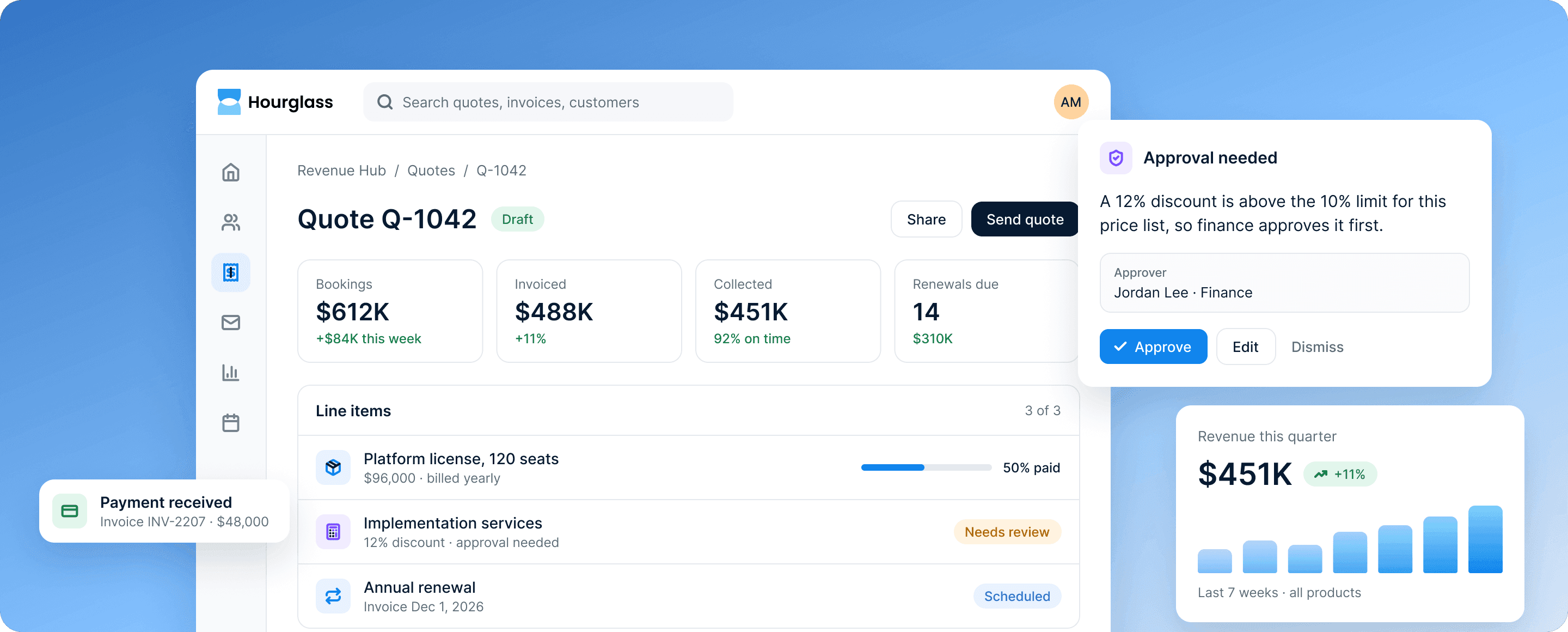
Revenue Hub's quote Q-1042 with three line items, beside a finance approval for a 12% discount.
2 · From Revenue Hub (opens in a new tab)

How it works

From quote to cash, without leaving the CRM

Sales, finance and service see the same quotes, invoices and payments.

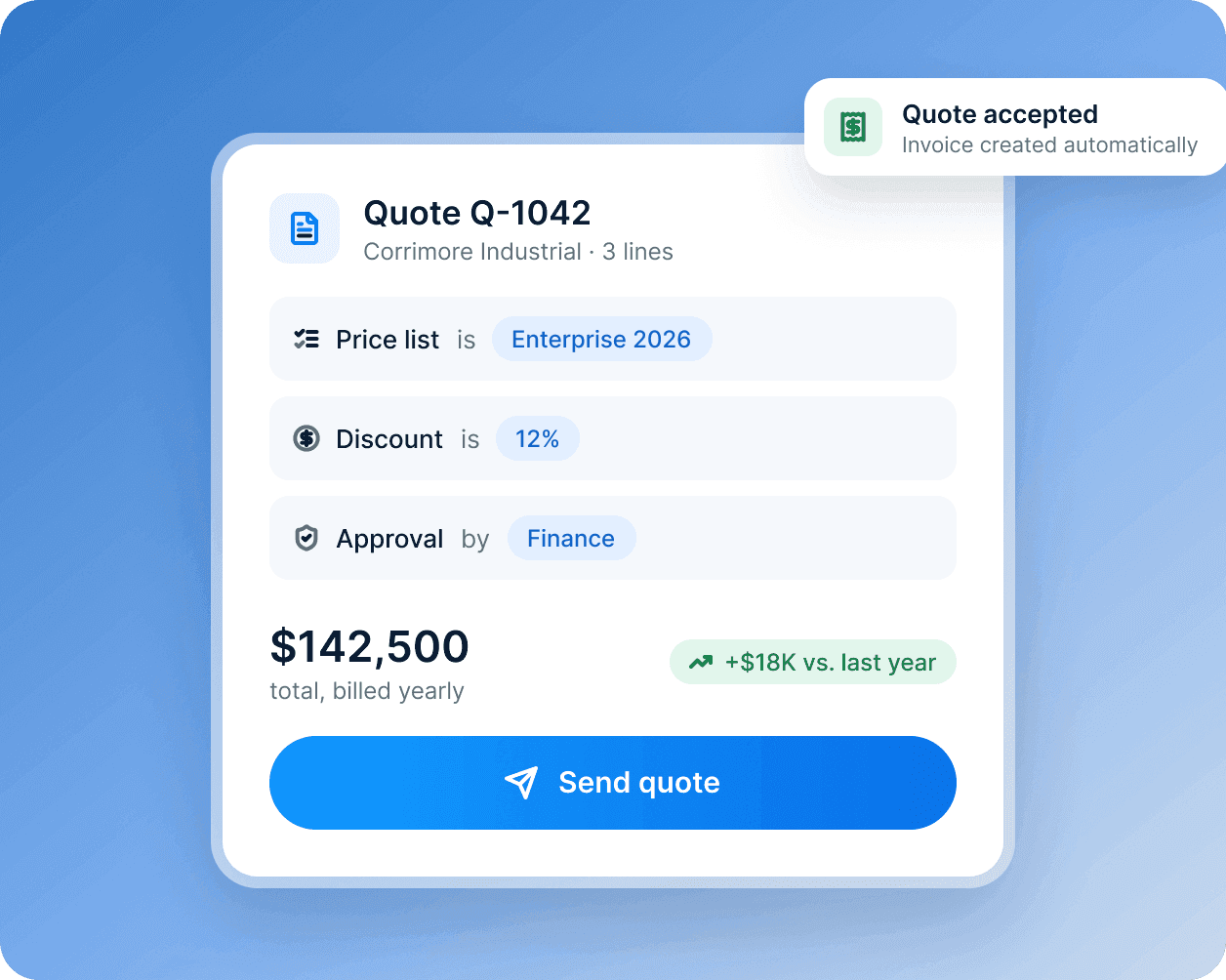
A quote card for Corrimore Industrial: the price list, a 12% discount and finance approval, $142,500 in total.

Quotes your team can send with confidence

Price lists, discount rules and approval steps keep every quote accurate, and accepted quotes become invoices on their own.

  • Prices from your own price lists
  • Discounts above your limits go to finance
  • Accepted quotes become invoices
Learn more about Sales Hub
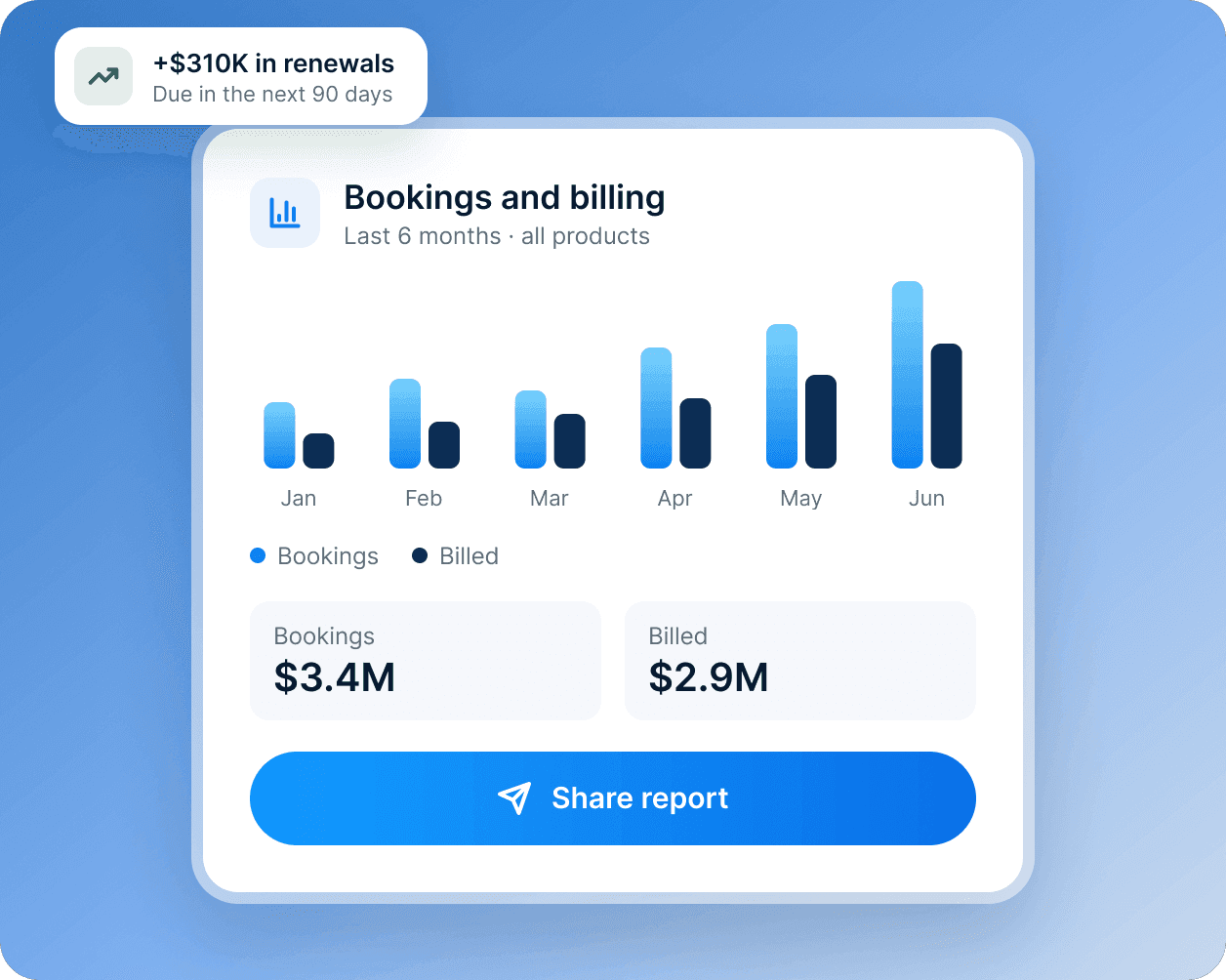
A bookings and billing card: six months of bars, $3.4M booked and $2.9M billed.

Revenue reporting that matches the pipeline

See bookings, billing and renewals beside the deals that created them, by team, product and region.

  • Bookings, billing and renewals in one view
  • By team, product and region
  • Renewals due, with the deals behind them
Learn more about Data Hub
3 · From Revenue Hub (opens in a new tab)

What’s included

The tools in Revenue Hub

Everything between a signed deal and money in the bank.

  • Quotes

    Branded quotes built from your price lists.

  • Invoices

    Invoices created from deals and sent on schedule.

  • Payments

    Take card and bank payments online.

  • Subscriptions

    Recurring billing, with renewals tracked on the record.

  • Revenue reports

    Bookings, billing and renewals in one dashboard.

  • Accounting sync

    Send invoices and payments to your accounting system.

DocsFrom the Hourglass documentation

The rest of your answer, from the docs

The site doesn't have a page for this yet, so here is the documentation, word for word.

Account › Billing and plans

Cancel your subscription

An admin can cancel from Settings › Billing › Cancel subscription. Paid features stop at the end of the billing period, and the workspace moves to the free CRM; nothing is deleted. To close the workspace completely, export your data first, then ask support to delete it. Deletion is final after 30 days.

Read the full guide in the docs (opens in a new tab)